Configure what a round scores
Each round has tabs that say what judges score, who judges, and how ties and extra points are handled. Set them up before the round opens.
Who can do thisSuper AdminAdminAuditorTabulator
Open a round and look under its details. A row of tabs runs across the page. Auditors and Tabulators can read every tab here. Admins can change them from the round's Edit page, which has the same tabs.
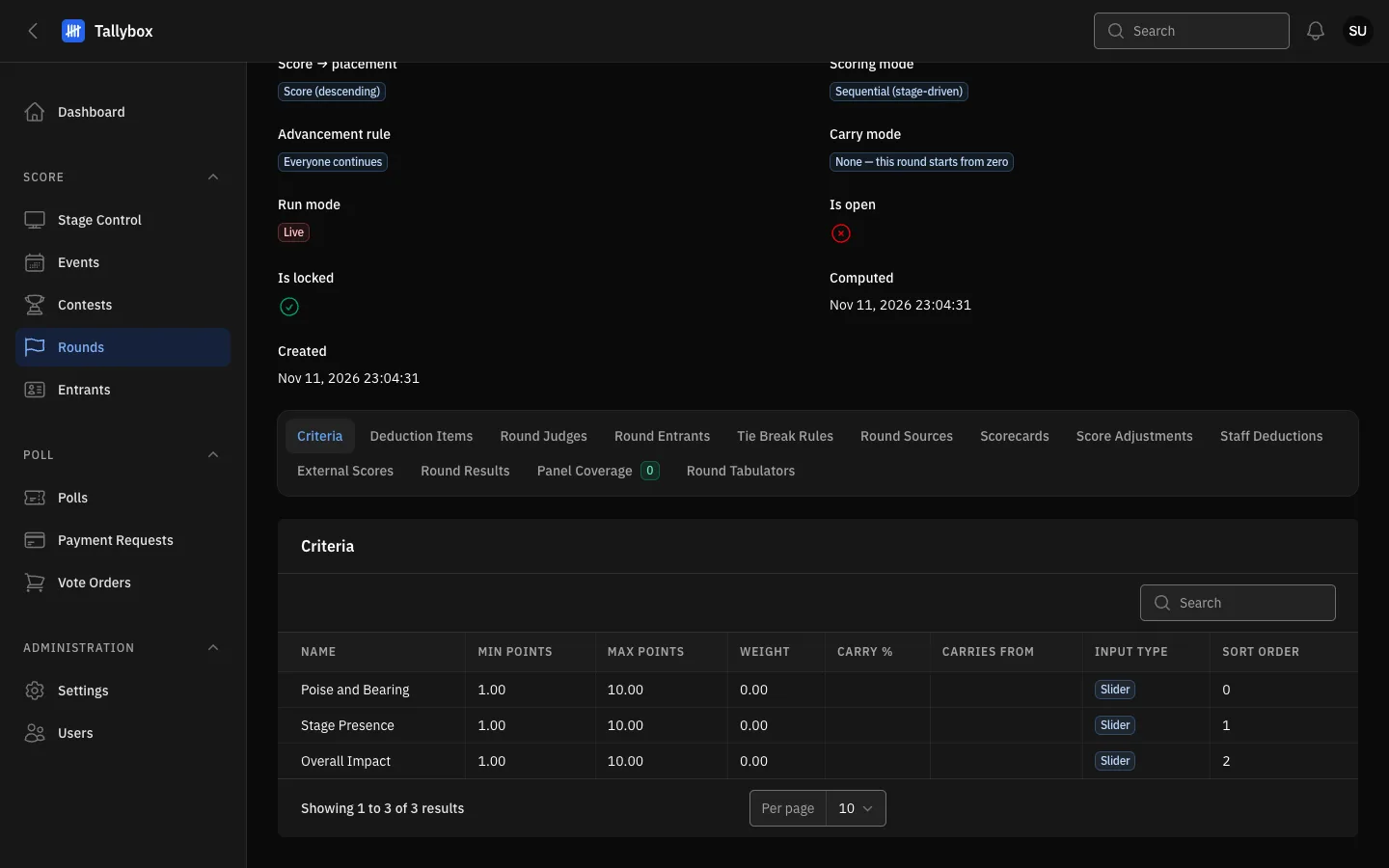
- Criteria tab: the things judges score in this round.
- Round Judges tab: the panel for this round.
- Each row is one criterion, with its lowest and highest score.
Where to change them
- Open the round and choose Actions, then Edit
- Scroll down to the tabs under the form and pick the one you want
- Choose the New button at the top of the table, fill in the form and saveUse Edit or Delete on a row to change or remove one. Tick rows and choose Delete selected to remove several.
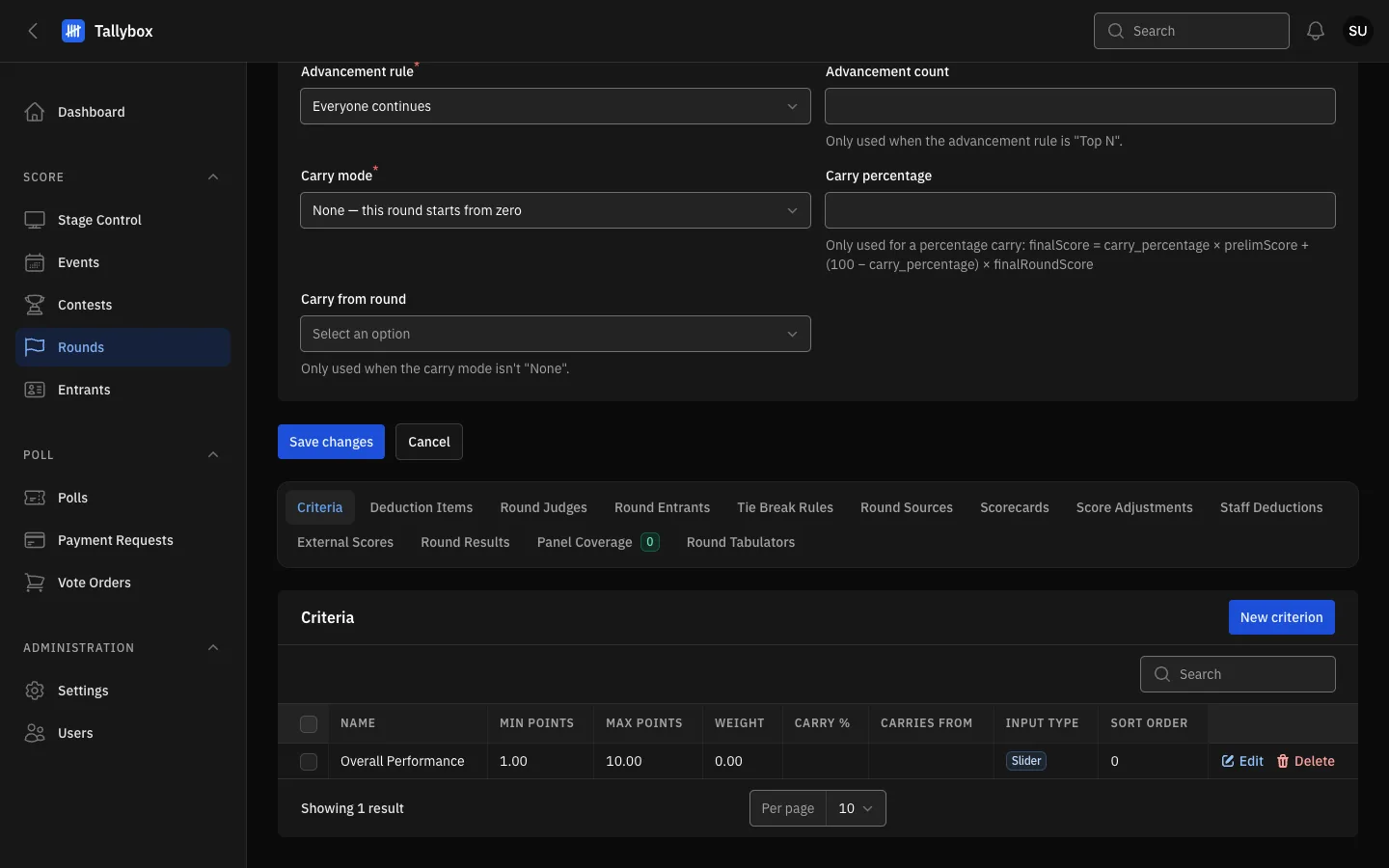
- The tabs are the same as on View.
- Save changes saves the form above the tabs. Tab tables save as you go and do not need it.
- New criterion: adds a criterion to this round.
- Edit and Delete on a row change or remove that criterion.
Criteria
A criterion is one thing judges score, such as Stage Presence. Give it a name, a lowest and highest score, and a weight. If the round is scored by weighted percent, the weights across the round must add up to 100. A criterion can also carry part of its score over from an earlier round. The input type decides whether the judge uses a slider or another control.
Round Judges
This tab is the judge panel. Choose New round judge, pick the person, give them a weight, and tick Is chairman if they are the chairman. The chairman matters only for a tie-break rule that looks at the chairman's score.
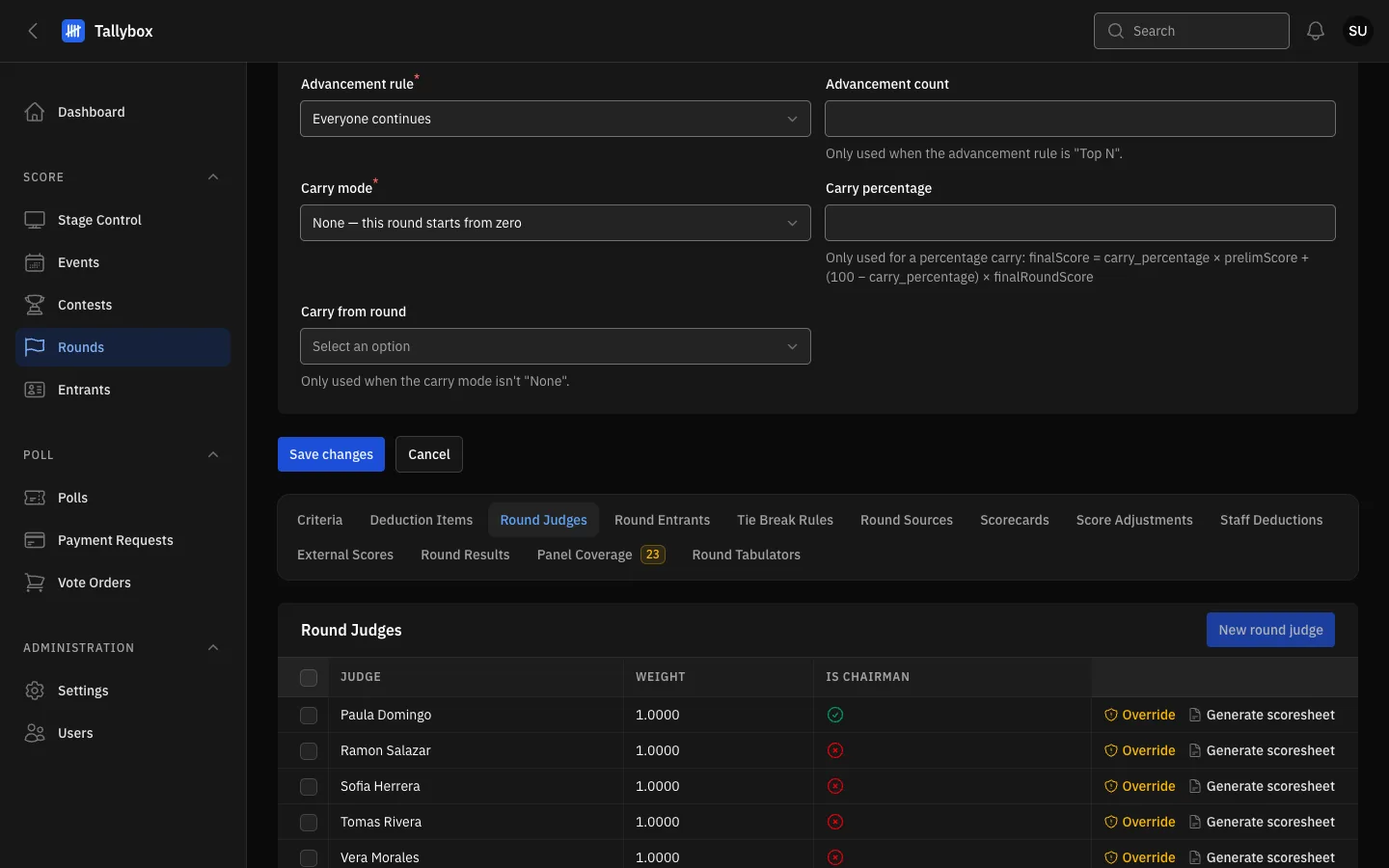
- Round Judges tab.
- New round judge: adds someone to this round's panel.
Deduction items
A deduction item is a named penalty, such as Overtime, with a smallest and largest number of points. Choose who enters it. Judge means each judge enters it on their own scorecard and it comes off that judge's total. Staff means staff enter it once per entrant and it comes off every judge's total. Entering staff deductions on the night is covered in the Event night chapter. Deduction items lock once the round is locked or the item has been used.
Tie break rules
A tie-break rule says how two entrants with the same total are separated. Give each rule a sequence number. They are tried from the lowest number up until the tie is broken. Depending on the type you pick, you also choose a criterion, a chairman, or an earlier round to compare.
Round sources
A round source is an earlier round whose results feed into this one. Use it only when the round is built from other rounds. Choose the source round and its weight.
Score adjustments
A score adjustment adds or removes points for one entrant, written as a plus or minus number, with a reason. Leave the judge blank to adjust the entrant's final score instead of one judge's score. The reason is kept in the audit trail and printed on the tabulation sheet.
External scores
An external score is a number that staff record for an entrant instead of judges, for example from an audience measure. Record the value, what it measures, and a note on how it was captured. It counts only if the round gives external scores a weight on its form.
Round tabulators
This tab lists the tabulators crewed on the round. A Tabulator can open only the rounds they are listed on. Choose New round tabulator to add one, or Delete on a row to remove one.