Guide 2.4
Set up results pages and contest tabulators
A results page groups awards into one printed page of official results. Contest tabulators are the staff who run scoring for the contest.
Who can do thisSuper AdminAdminAuditorTabulator
Results pages
A results page has a heading, an optional subheading and a signing round, and it holds a set of awards. Open a contest and choose the Results pages tab to see them.
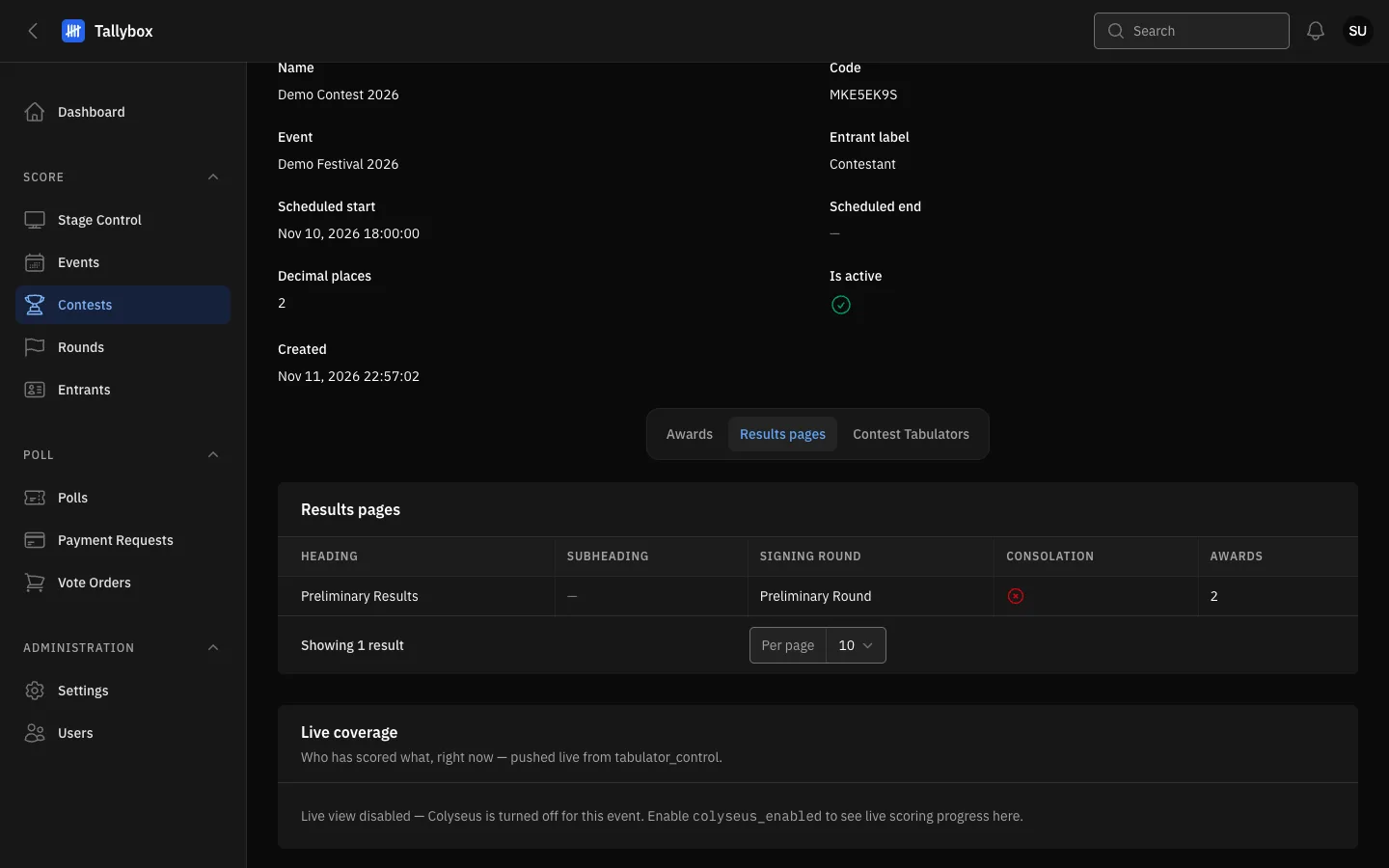
- The Results pages tab.
- Heading: the title printed at the top of the page.
- Consolation: shows a tick when the page lists consolation prizes.
- The Contest Tabulators tab, next door.
- Open the contest, choose Edit, then open the Results pages tabOnly Admins and Super Admins can change them.
- Choose New results page
- Type the heading and, if you like, a subheading
- Pick the signing roundThis is the round whose officials sign the printed page.
- Choose Create, then attach awards to the page from the Awards tab
Use Edit or Delete on a row, or tick rows and choose Delete selected.
Contest tabulators
The Contest Tabulators tab lists the tabulators crewed on this contest. A Tabulator account only sees the contests, and only sees the Live coverage panel, when crewed on every round of the contest.
- Open the contest, choose Edit, then open the Contest Tabulators tab
- Choose New contest tabulator and pick the person
- Choose Create
To remove someone, choose Delete on their row, or tick several and choose Delete selected.
Auditors and Tabulators can look but not change. They see both tabs but have no buttons to add or remove anything.